
From time to time, I hear discussions about how to manage demo and setup data in a fresh Business Central environment. Historically, Microsoft handled this using RapidStart Configuration Packages, which were used behind the scenes when creating new companies. However, this approach was mostly reserved for Microsoft and wasn’t available to partners publishing on AppSource.
That has changed.
Since January 2025 (with Business Central 2024 Wave 2, Update 3), Microsoft started using a new, extensible approach called the Contoso Demo Data Tool for creating demo-ready companies. The documentation is a bit outdated but can still be found here: Contoso Coffee Intro. The official announcement about deprecating configuration packages is here.
From RapidStart to Contoso Tool
The new tool replaces the old configuration package concept with a coded, modular, and extensible solution. This transition actually started back in Business Central 2022 Wave 1. In that release, Microsoft introduced the first version of the tool to support manufacturing scenarios.
More here: Demo tool and data for manufacturing scenarios
Since then, Microsoft has been steadily expanding the tool:
- BC 2023 Wave 1: Warehouse and Inventory
- BC 2023 Wave 2: Service Scenarios
- By BC 2024 Wave 1, support extended to even more modules: Fixed Assets, Human Resources, Jobs, E-Documents, and Sustainability (No official release notes, but the changes are visible in code.)
- With BC 2024 Wave 2, additional modules were added: Foundation, Finance, CRM, Bank, Inventory, Purchasing, Sales, and E-Services
- And finally, in BC 2025 Wave 1, Microsoft refreshed Sustainability and added support for Subscription Billing and Statistical Accounts.
It’s clear that Microsoft is investing heavily in this tool. I believe ISVs should consider adopting the same approach in their own solutions.
How to Use the Contoso Demo Data Tool
Using the tool is surprisingly simple. There are two main ways to trigger it:
1. Run It Manually in an Existing (Empty) Company
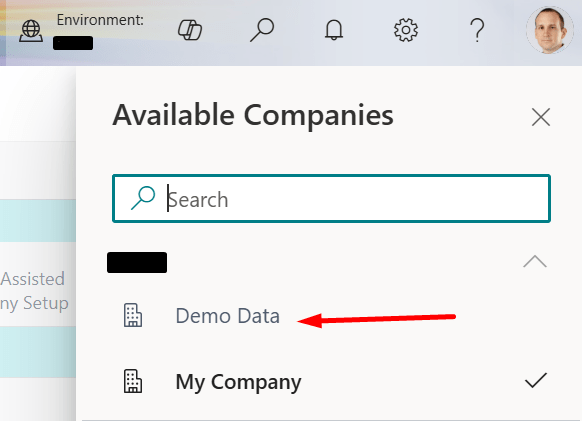
First, create an empty company, then switch into it.
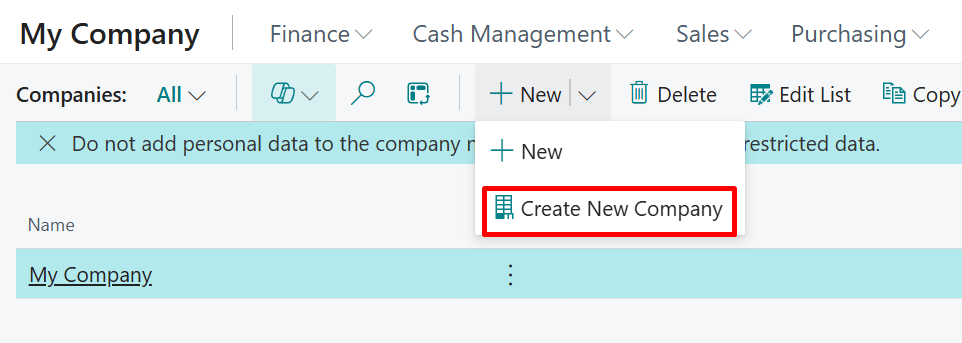
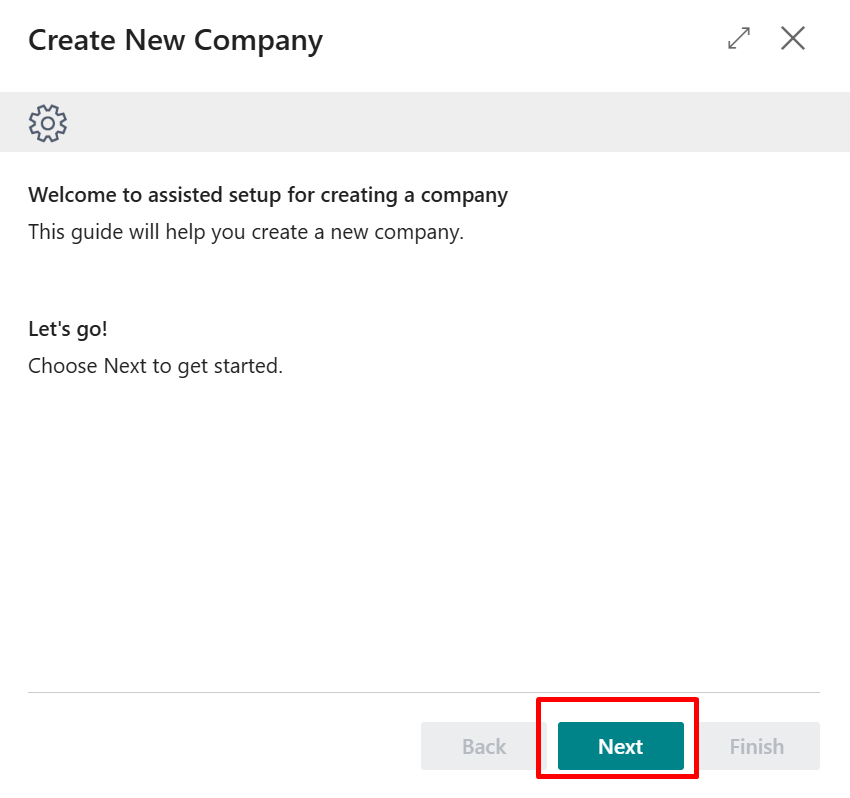
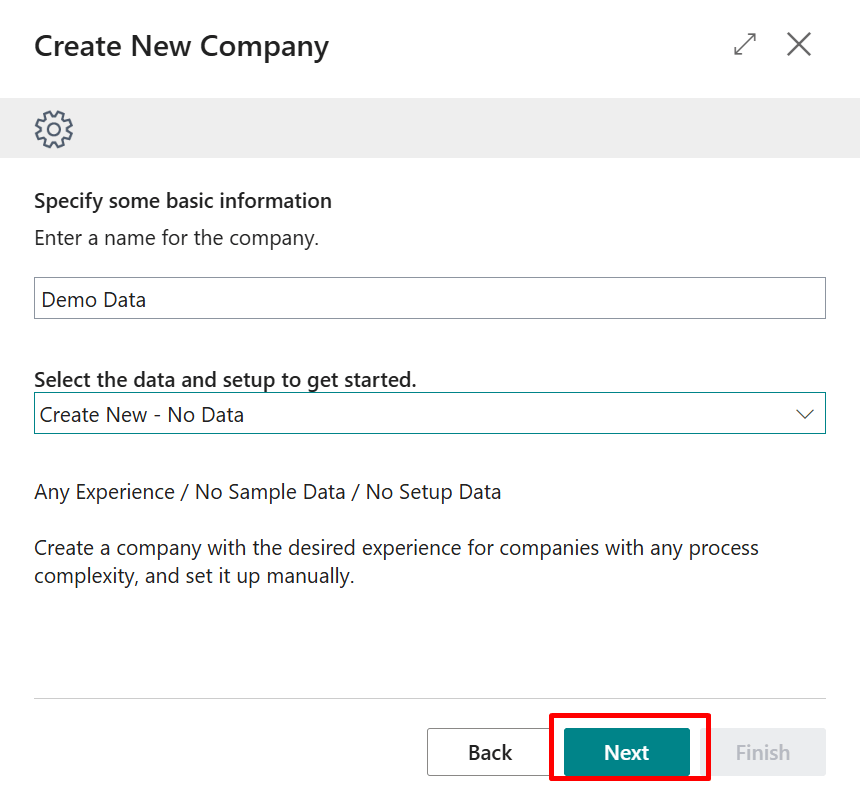
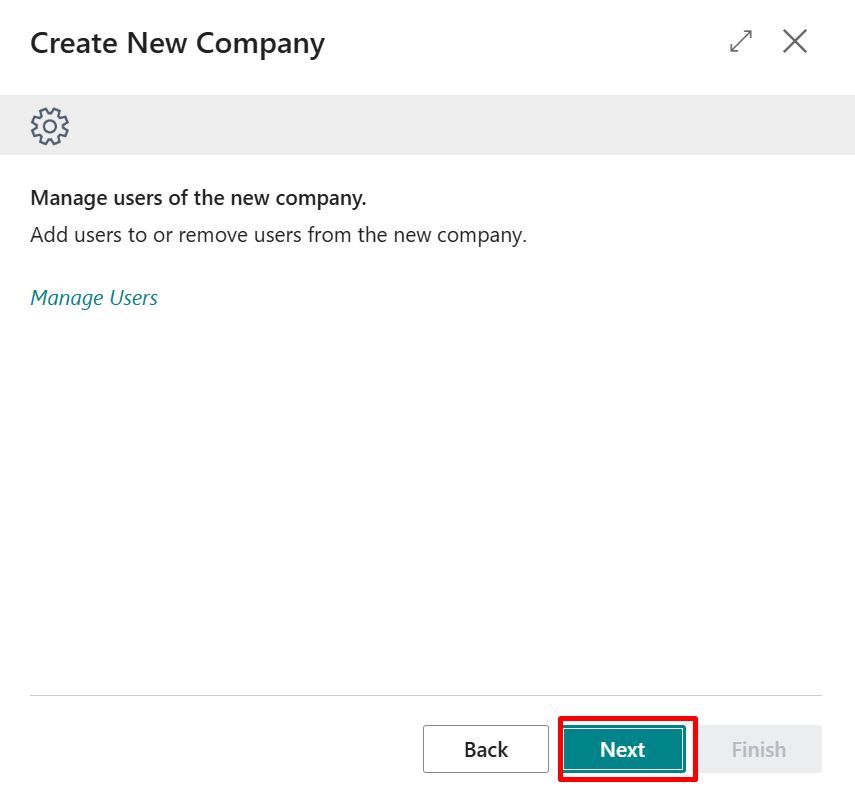
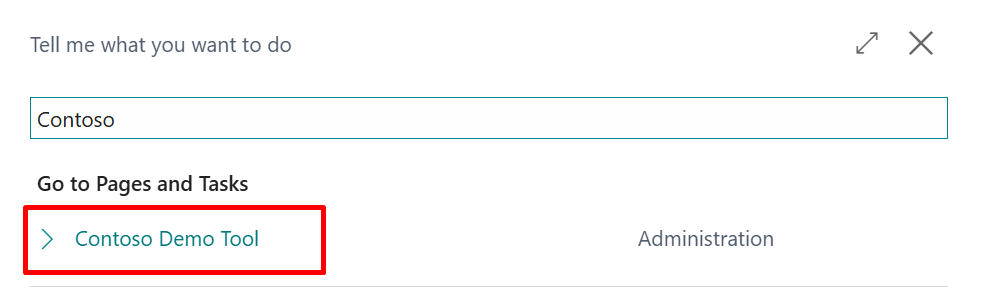
You’ll see two options in the wizard:
- Generate Setup Data
- Generate Complete Demo Data
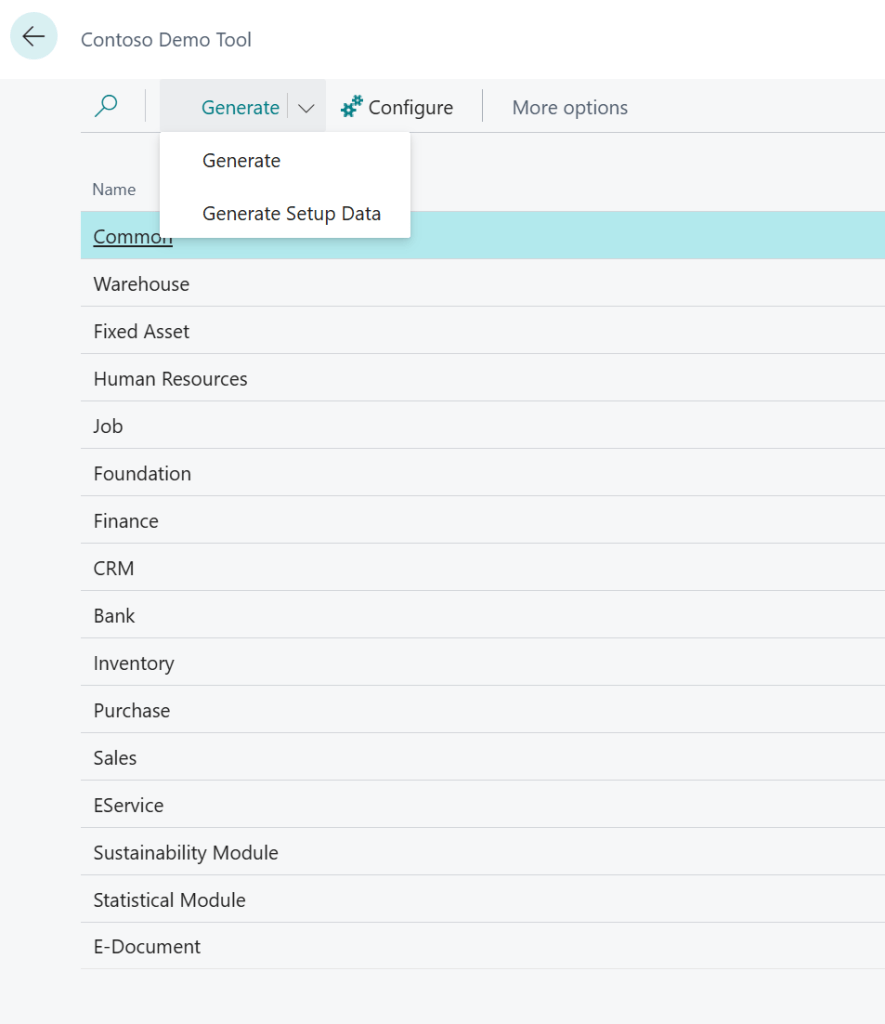
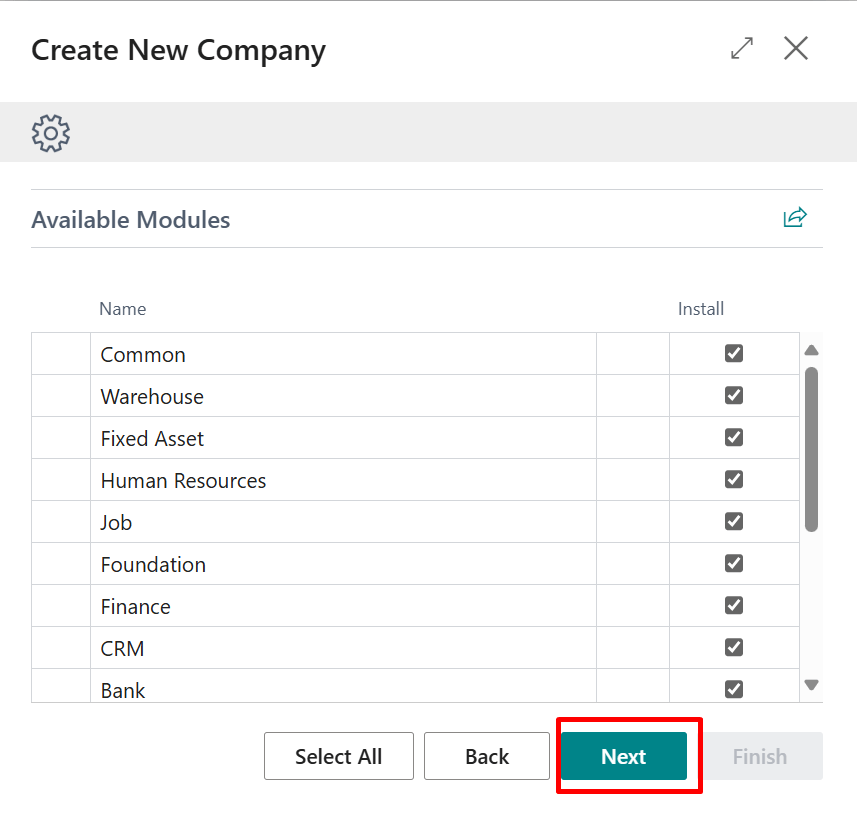
And you can select which modules to initialize. Note that there are dependencies between modules—for example, most modules rely on the Common module either directly or indirectly.
💡 If you’re unsure what to select, I recommend choosing all available modules during your first run.
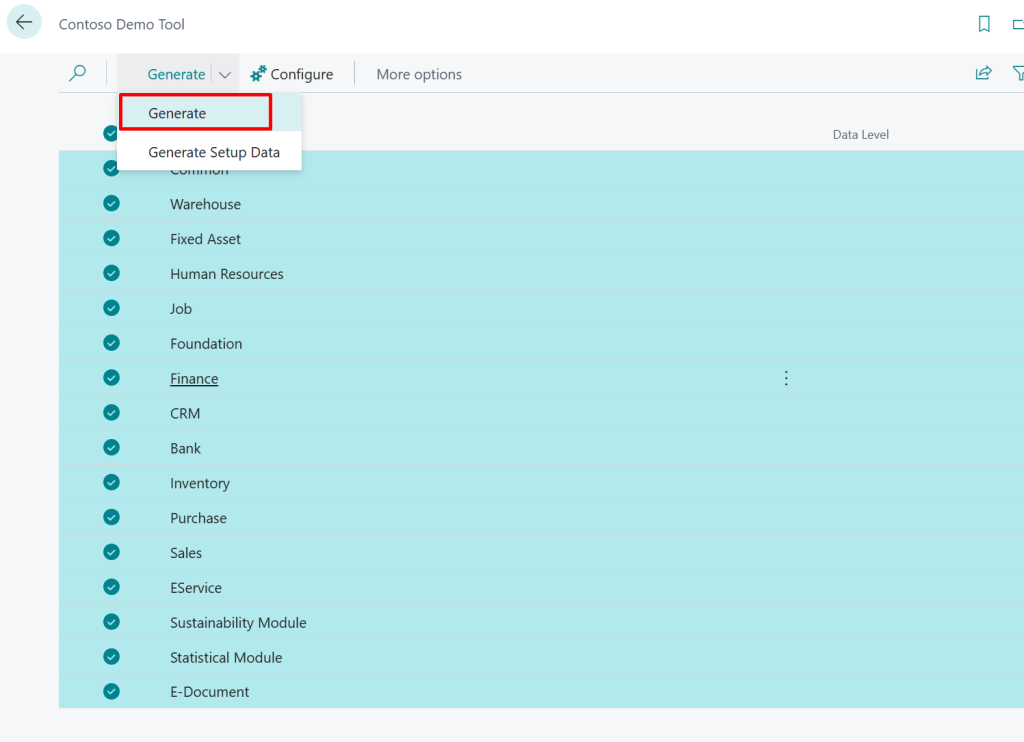
The tool runs interactively through the UI, showing multiple dialogs and messages (some even amusing) until it completes the setup.

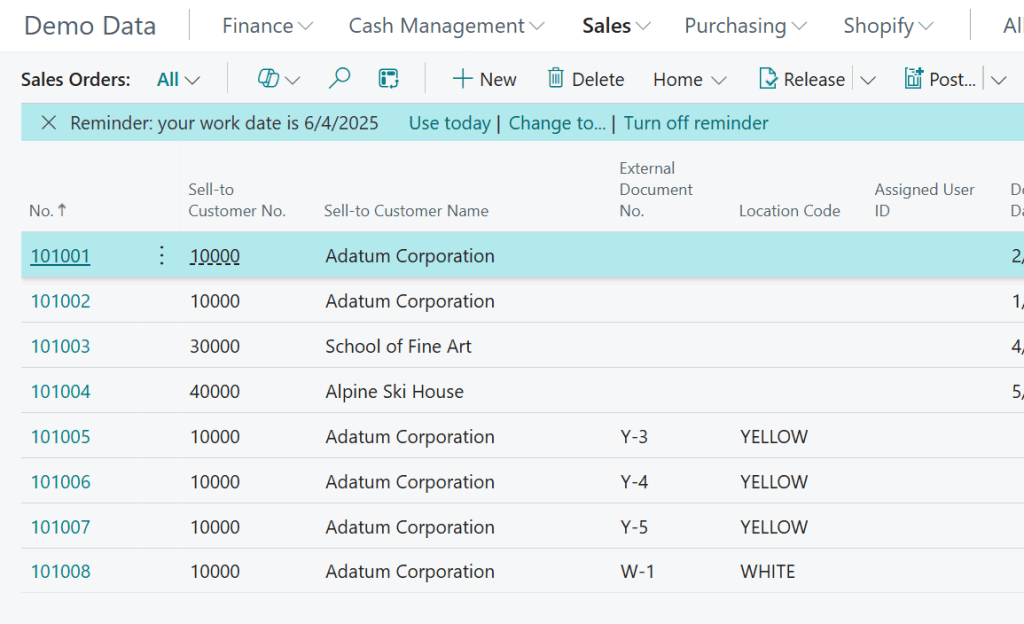
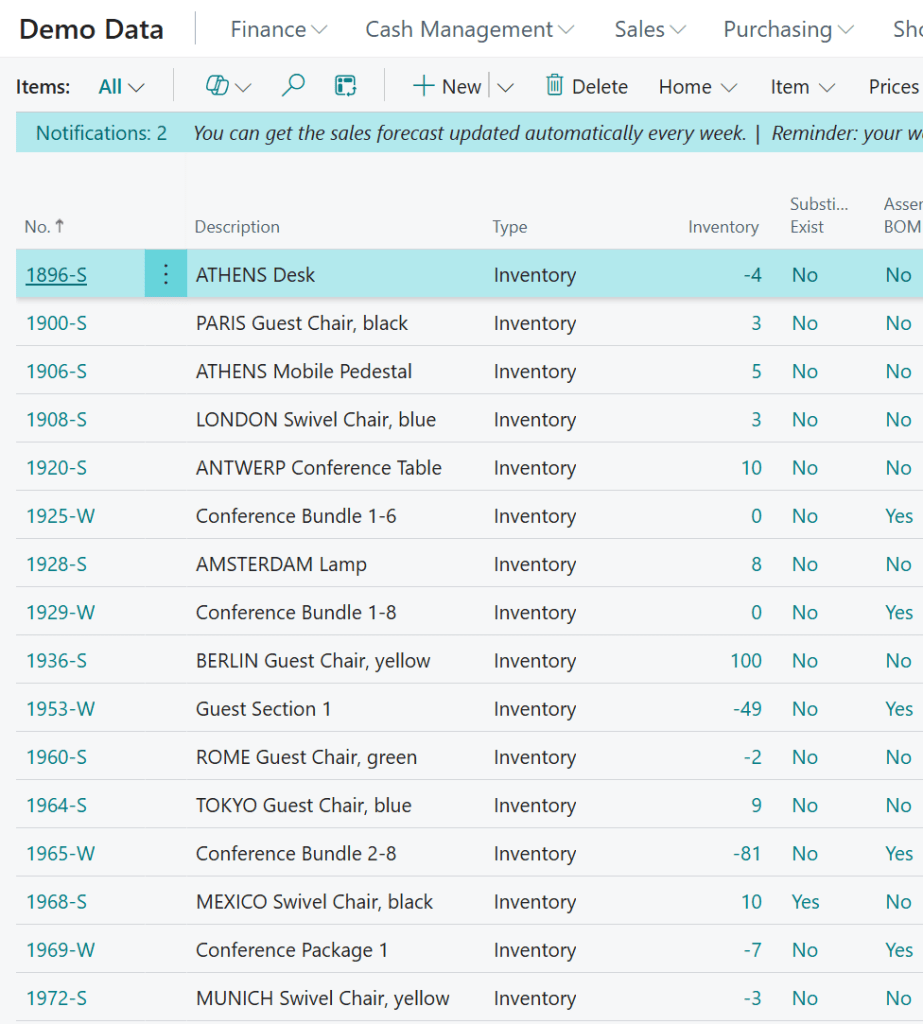
Once finished, you can inspect the created data and explore the pre-configured environment.

2. Run It Automatically During Company Creation
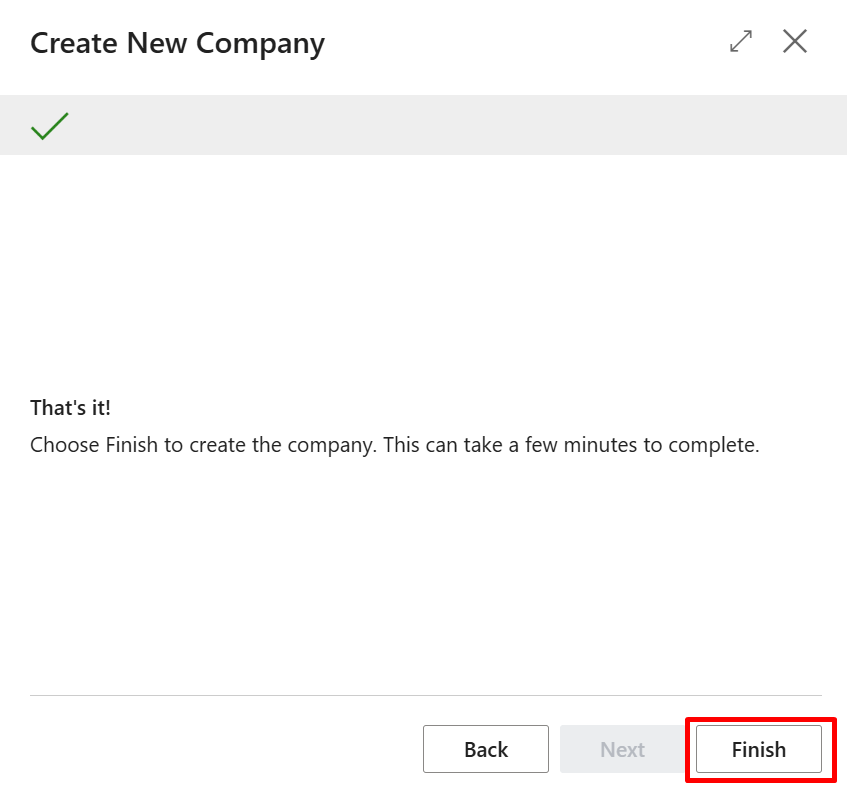
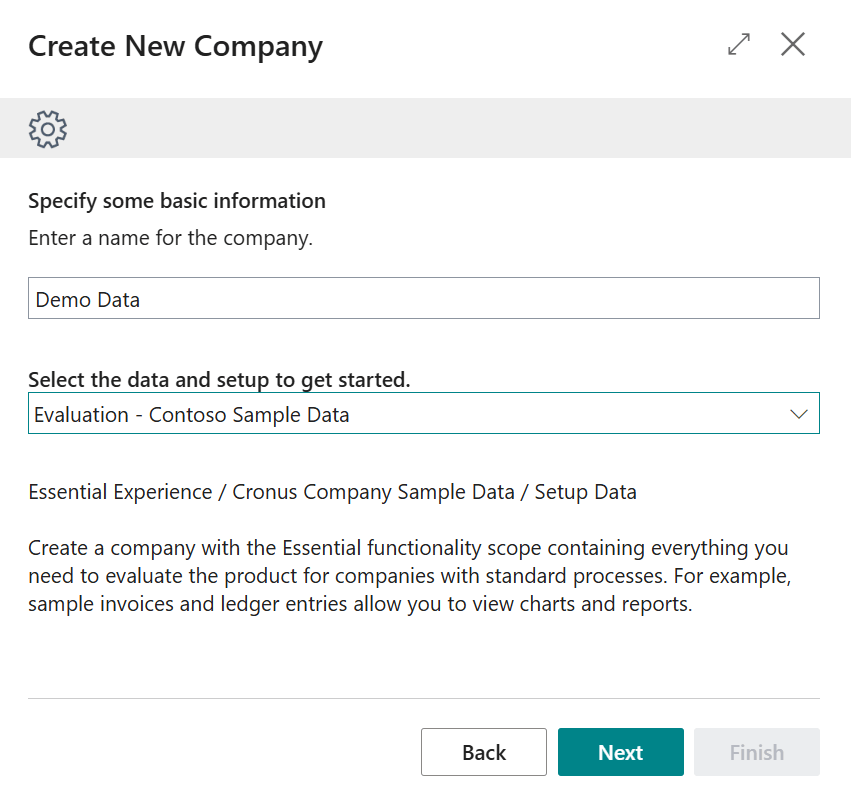
You can also trigger the tool directly during the new company creation wizard, selecting which demo data level and modules you want initialized from the get-go.
Important Notes and Known Issues
- This tool exposed that many test frameworks and internal tests aren’t data-agnostic. Microsoft tests — and partner tests — started failing in environments using this demo data.
- The tool is still being actively improved. While it works in most scenarios, some glitches remain, especially when re-running or switching between setup/demo modes.
Example Issue
If you:
- Run the tool for Setup Data only
- Close the browser (which clears single-instance codeunits)
- Then run the tool again for Complete Demo Data
You’ll likely receive errors due to partial initialization and missing dependencies.
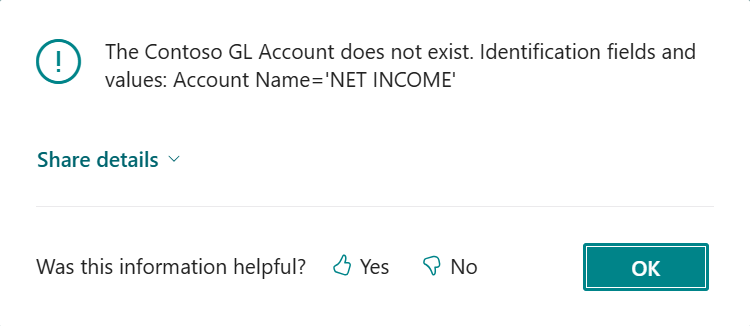
⚠️ The tool is not fully data-agnostic. Errors can occur if you initialize some modules and then try others later without the prerequisites.
Subscription Billing Note
If you want demo data for Subscription Billing, you need to install the corresponding AppSource app first:
Subscription Billing Demo Data
Final Thoughts
The Contoso Demo Data Tool is a big step forward for Business Central. It introduces a structured, coded way of initializing environments with meaningful data for demos, testing, and learning. And it’s clear that Microsoft will continue to build on it.
If you’re an ISV or partner — this is your cue:
It’s time to consider move toward coded demo data scenarios
 Miljan's Blog