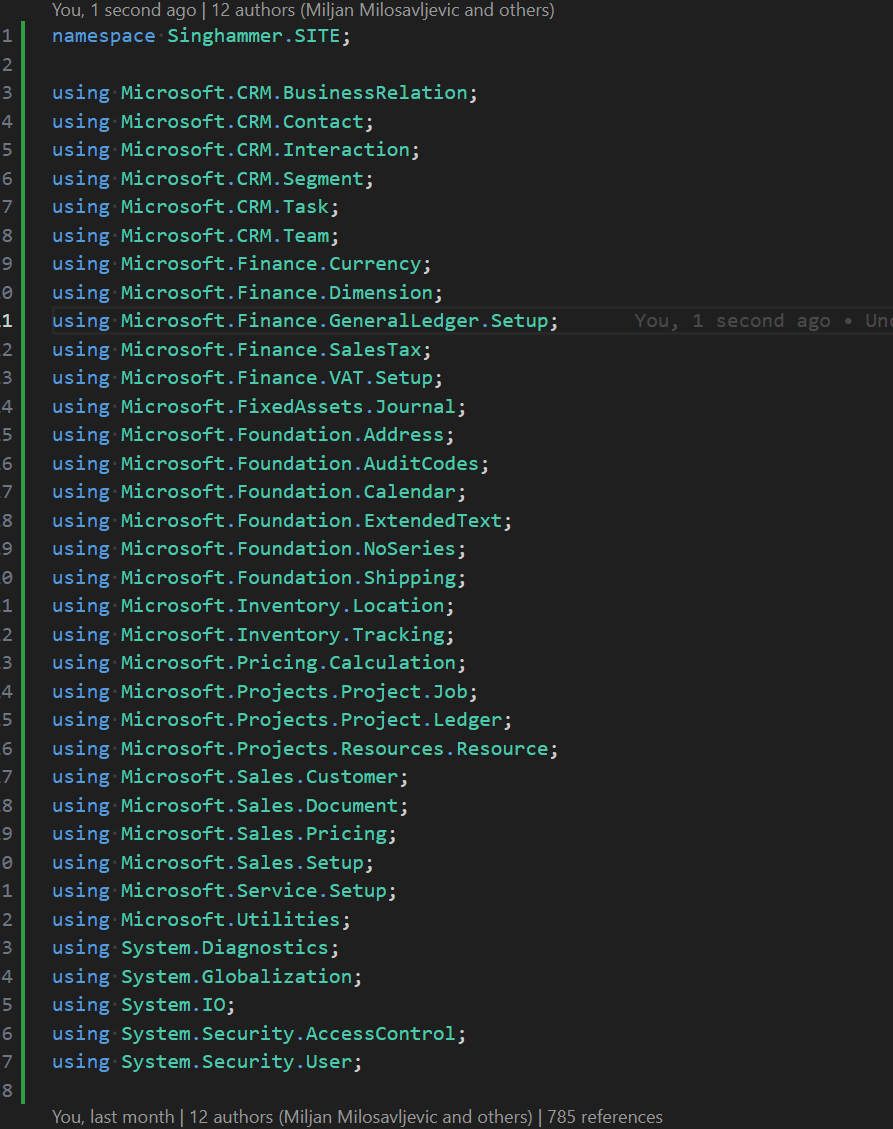
If you remember my post about Warning cleanup, you might already know how I feel about the VS Code extension for Business Central called AZ AL DEV Tools/AL Code Outline. Well, this post is another round of well-deserved praise for that extension. Frankly, I wouldn’t just buy the creator a coffee—I’d treat them to multiple lunches! It has saved me a ton of time once again, so I decided to invest a bit of that saved time into writing this blog post.
The Problem: Naming Conflicts and Legacy Code
Business Central developers should be aware that Microsoft introduced namespaces some time ago. If you’re not familiar with them, check out Microsoft’s documentation on namespaces. However, my impression is that the community largely ignored this feature initially, as there were no obvious benefits to adding namespaces to objects. I was in the same boat—until reality caught up with me.
We recently encountered a naming conflict between our legacy solution and Microsoft apps. With roughly 2,000 objects in our solution, manually updating each one would be an enormous task, involving either a lot of repetitive work or complex RegEx fiddling.
The Goal: Applying Namespaces Efficiently
Our goal was to:
- Add a namespace declaration to each object.
- Insert the
usingdirective for referenced namespaces within each object.
Manual Steps
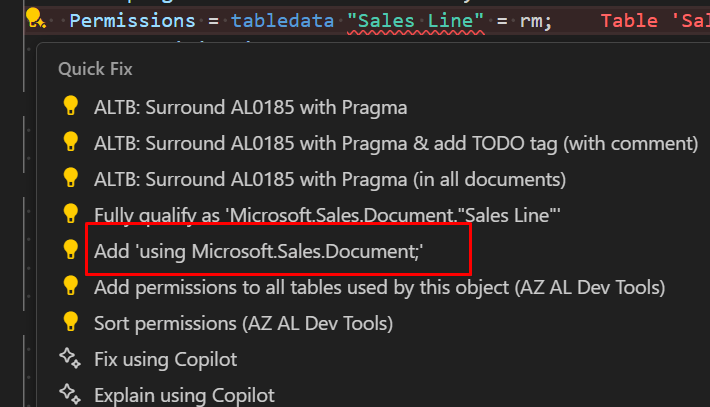
This can, of course, be done manually using AL Code Actions. Here’s what that process looks like:
- Declare the namespace in each object.

- Identify errors due to missing or unknown object references.

- Use AL Code Actions to fix each error individually.
End Result:
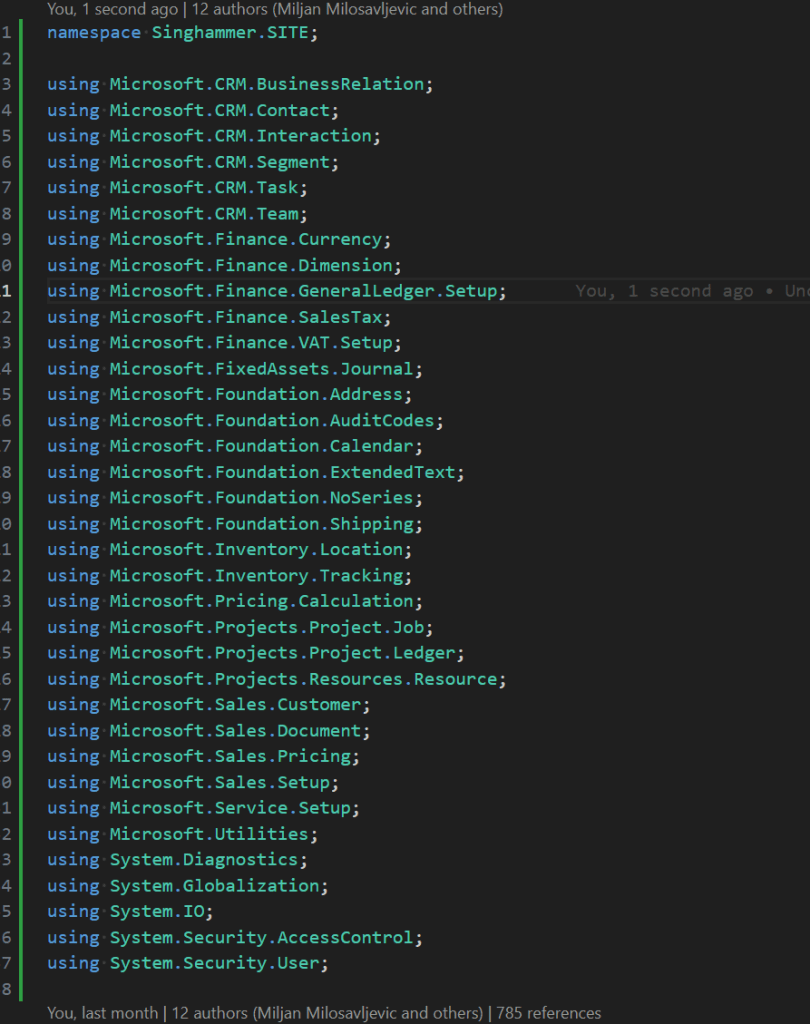
This process would need to be repeated for all 2,000 objects. To give you some perspective, I did this manually less than a year ago for 300 objects, and it took me around six hours. Extrapolating from that, doing it for 2,000 objects would take approximately 42 hours—a full workweek! Clearly, I needed a way to automate the process.
The Solution: AZ AL Dev Tools to the Rescue
And this is where Andrej’s extension comes to the rescue! With the magic of AZ AL Dev Tools, I was able to automate the process for all 2,000 objects in no time.

Thanks to this tool, I saved an enormous amount of time—time that I could spend on more valuable tasks, like writing this blog post. 😃
Still Missing
- Not working with pre-release Version of AL Language Extension (16.x)
- It cannot identify some of the AL entities for missing references like CalcFormula or RunObject.
Final Thoughts
If you’re dealing with namespace migrations or large-scale object updates in Business Central, don’t hesitate to explore AZ AL Dev Tools. It’s an essential tool that keeps proving its worth. A huge shout-out to Andrej for making our lives easier!
Have you faced a similar challenge? Let me know how you tackled it!
 Miljan's Blog
You did not put a link to it???!!!
LikeLike
Thanks, I have updated the link to Microsoft documention:
Namespaces in AL – Business Central | Microsoft Learn
LikeLike