Warning! This is a post for developers only. If you are not a developer, the chances are that you will not benefit of reading this post except if you really like reading my blog or me personally.
This story is about the legacy Business Central app named SITE that was developed for more than two decades. As such it contains roughly 2000 AL objects and is still what the Singhammer IT Consulting AG owns its existence to. Internally we have a nickname for it: “monster”. It was ported to many Business Central versions and while Microsoft was improving the base product we had to catch up. I would not say that we exceled at catching up, but I would say we managed to keep up with the pace.
After years of development this was the scary number that this product incurred after compilation:

We had exactly 18039 compilation warnings in our app. For me this information tells me that we ignored a lot of stuff going on for a while. It was a time do something about it. What I knew from experience is that majority of warnings were kind of benign, but the problem is that those benign ones were piled over some potentially important ones. Luckily there is a guy out there that made my life much easier. His name is Andrzej Zwierzchowski. He made VSCode extension named AZ AL Dev Tools/AL Code Outline which I used in order to remove the pile of warnings and focus on the important ones.
So, let’s start. The most annoying and widespread warning was “Use of implicit with”.
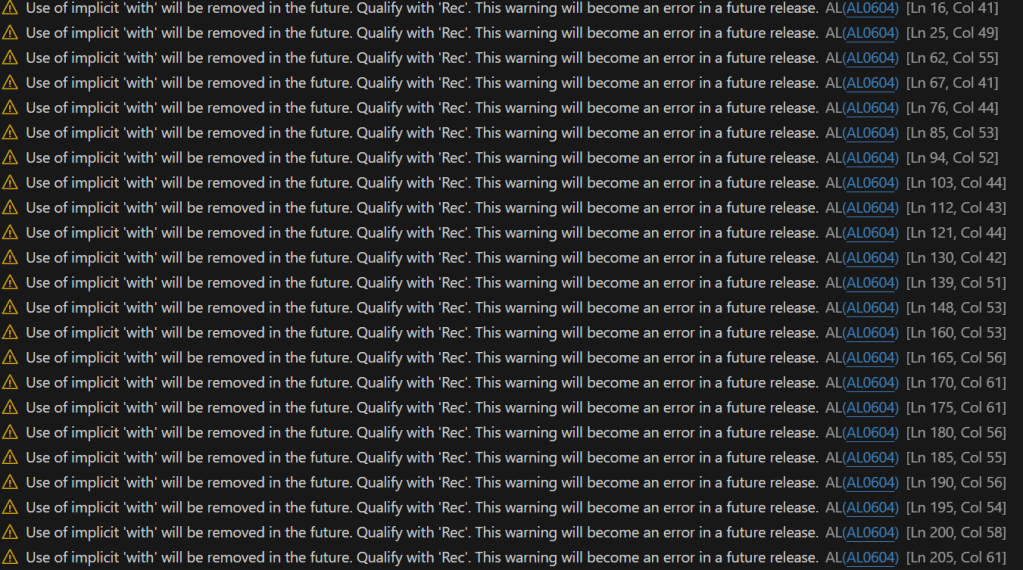
One command and few seconds later and voila! Exactly 2157 warnings left. Amazing guy, isn’t he?



What else is there in this VSCode extension?





We had a casing mismatch in almost every object! Amazing!
Let’s add the Data Classification.


Done. Then we removed the infamous [InDataSet] property this time with simple Search & Replace:
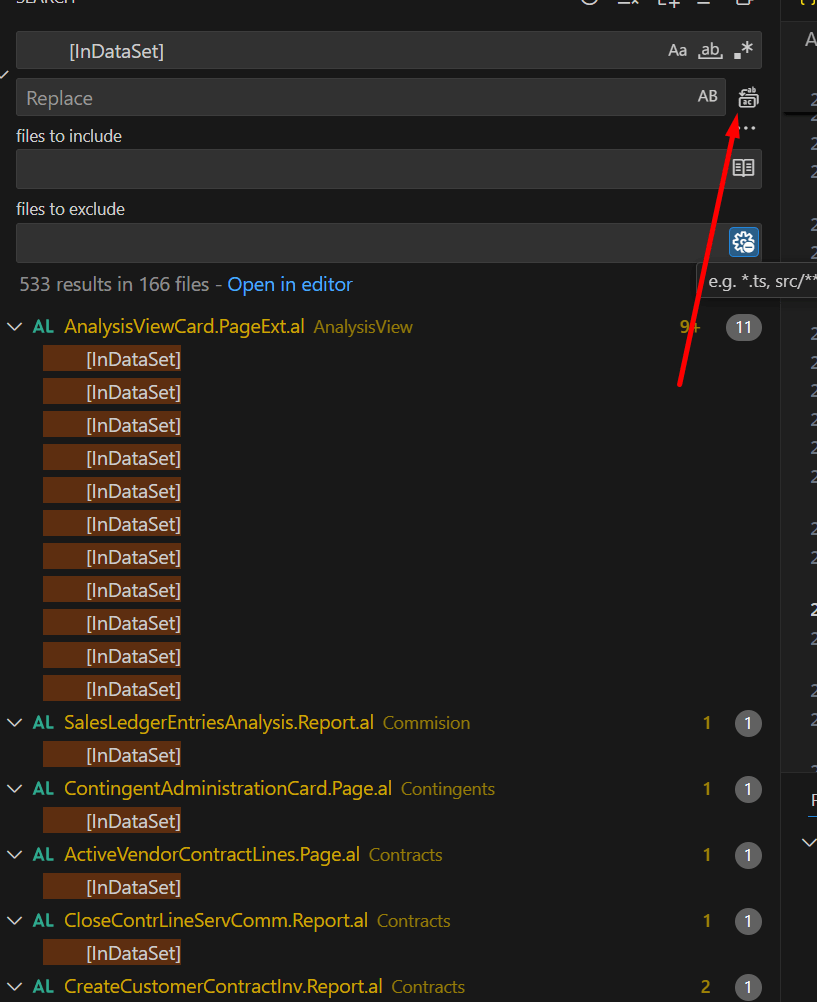

Exactly 1624 warnings left. I also wanted to drop the single quotes from subscribers. I used RegEx for that purpose.
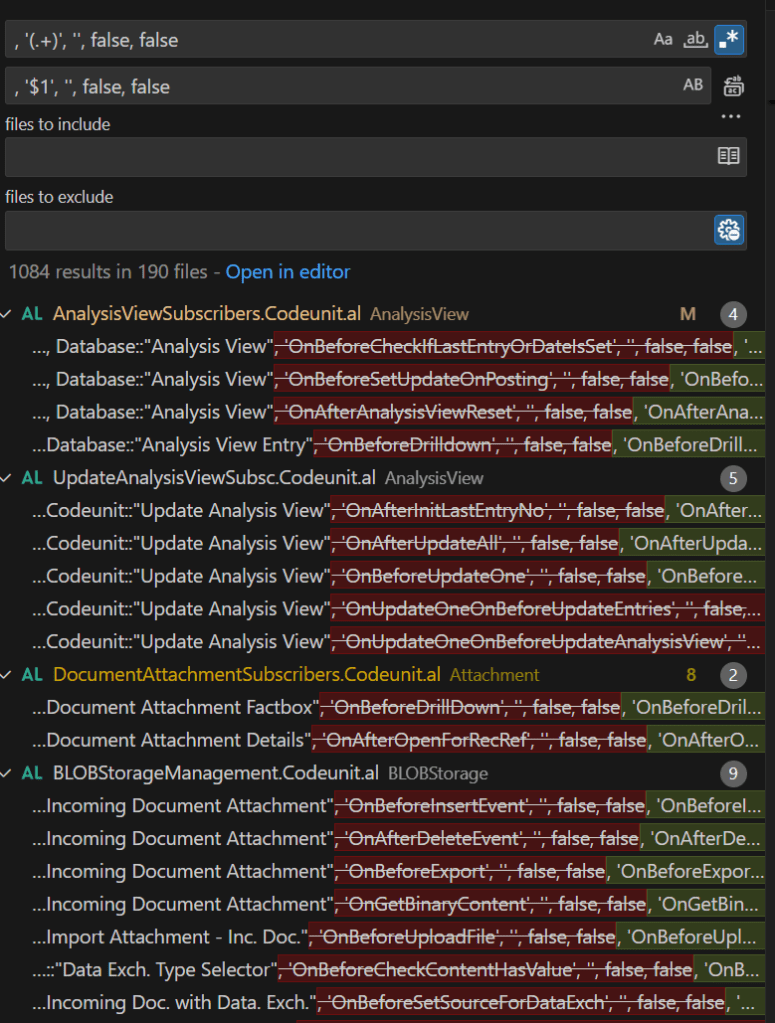
Removing some more stupid stuff that I was not aware it can happen that often:


My end result? 1615 warnings. But those should be looked at. Among those 1615 there are exactly 1066 for “implicit conversion”.
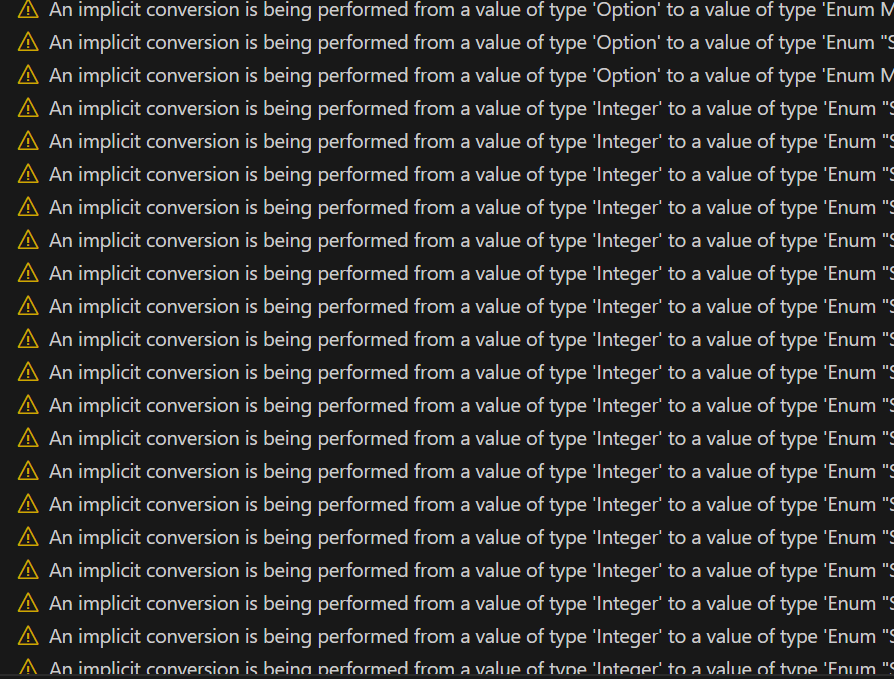
Then another 256 for functionalities marked for obsoletion.
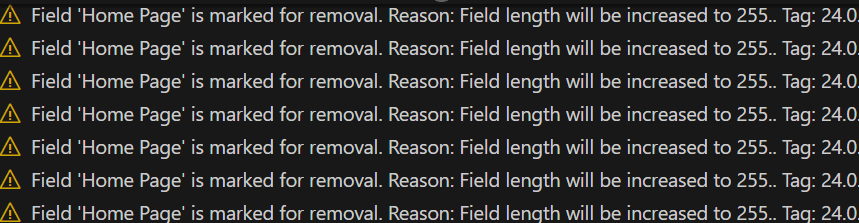
But at least we are getting there. I think we are at the point where it is possible to check the “important” warnings now and act upon those.
Do you have a scary story about the legacy product? I would like to hear it!
 Miljan's Blog
3 thoughts on “Warnings Cleanup in AL”